Classic Sudoku,
Free on Windows
Real puzzles with a unique solution every time. No ads, no internet, no subscriptions — just pure Sudoku on your desktop, free forever.
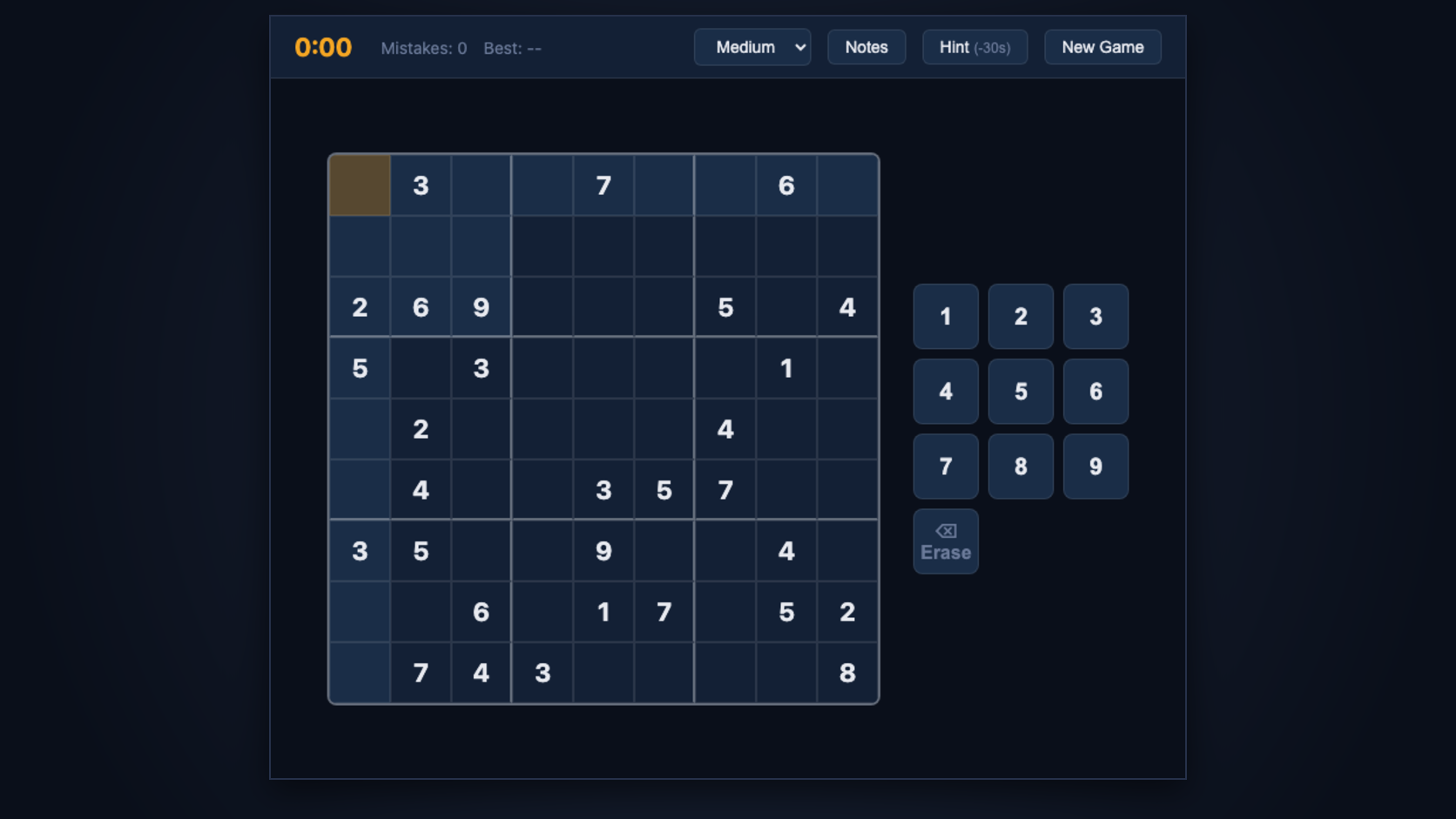
Everything you need.
Nothing you don't.
Zero Ads
Play without a single interruption. No banners, no pop-ups, no "watch a video to continue." Ever.
Fully Offline
Works without internet after install. Play on a plane, at a coffee shop — anywhere your PC goes.
Three Difficulties
Easy, Medium, and Hard puzzles — every board has exactly one unique, logically-solvable solution.
Pencil Marks
Toggle Notes mode to jot candidate numbers in any cell, just the way you would on paper.
Smart Hints
Stuck on a cell? Reveal it with a small time penalty that keeps the challenge fair and fun.
Best Time Tracking
Your fastest solve per difficulty is saved locally — you always know your personal record.
Playing in under two minutes
Download the installer
Click "Download Free" and run SudokuApp.exe — no account, no sign-up required.
Quick setup
The setup wizard takes under a minute. One click and the app is on your desktop.
Solve your first puzzle
Open the app, pick Easy, Medium, or Hard. Your grid is ready — start playing immediately.
Runs on nearly any Windows PC
Minimum
- OS: Windows 10 (64-bit)
- CPU: Any dual-core
- RAM: 2 GB
- Disk: 50 MB free
Recommended
- OS: Windows 11 (64-bit)
- CPU: Intel Core i3 / Ryzen 3
- RAM: 4 GB
- Disk: 100 MB free
Ready to solve?
Free forever. No ads. No internet required after install.
⬇ Download Free